Computing mouseproductivityergonomicmulti-deviceFlow
Logitech MX Master 3S Review: Still the Productivity Mouse King After 3 Years
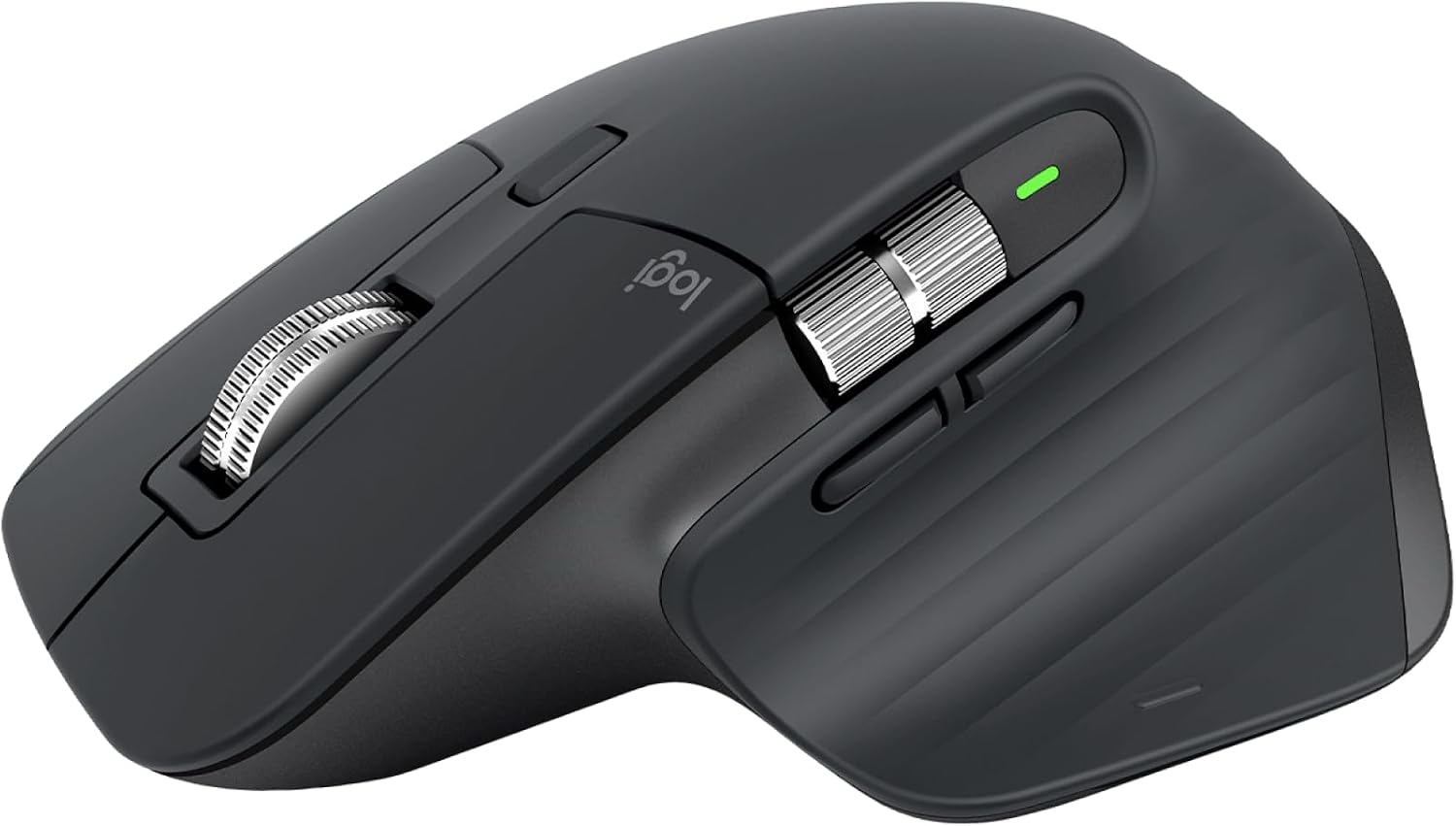
8000 DPI on glass, silent clicks, MagSpeed wheel, multi-device flow — the mouse that makes every other mouse feel like a toy.
7 min read
4.7
Affiliate Disclosure: We may earn a commission if you purchase through our links, at no extra cost to you. This supports our independent testing. Learn more.
Gallery

Pros
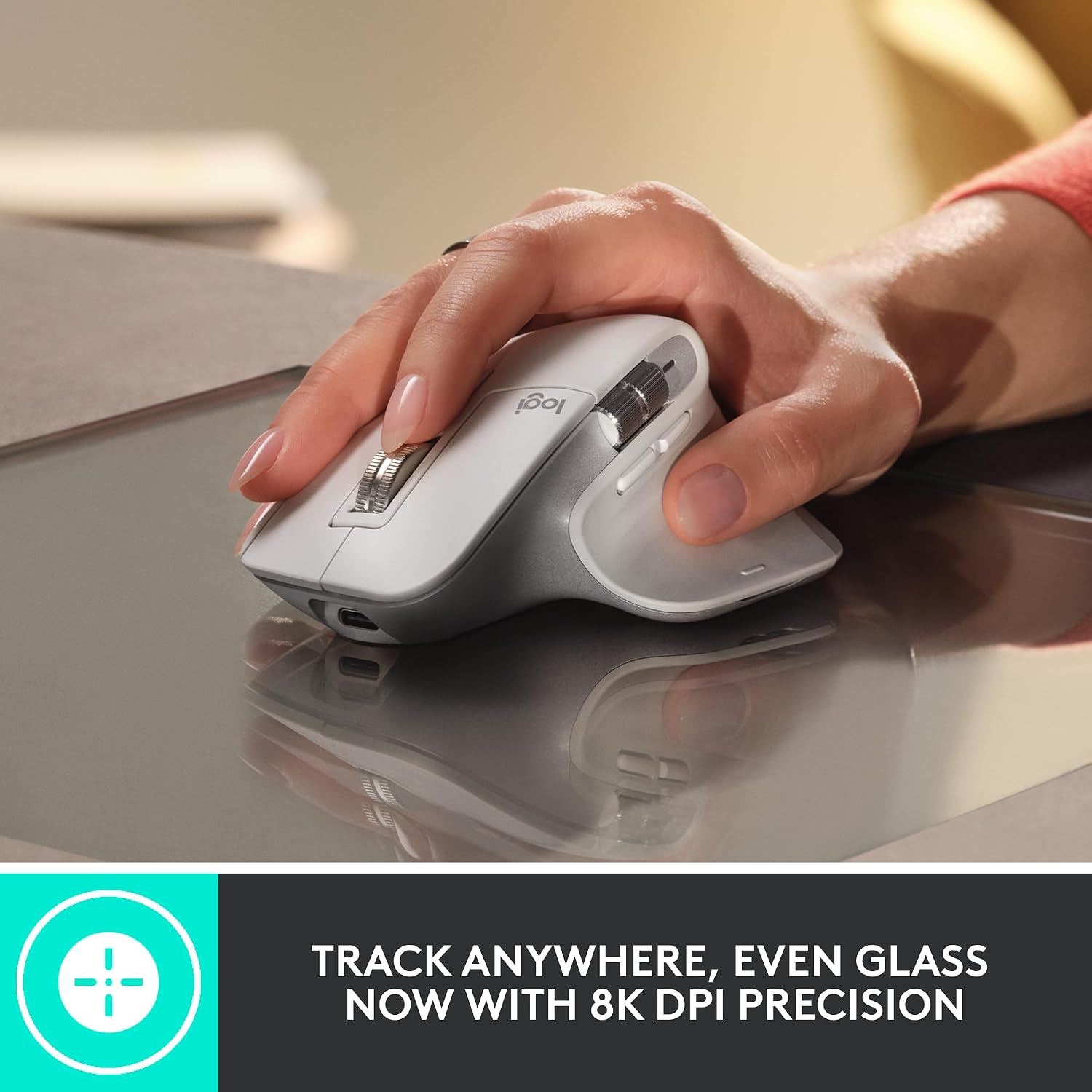
- 8000 DPI Darkfield tracks on glass, high-gloss, any surface
- Silent clicks (90% noise reduction) — office-friendly
- MagSpeed wheel: auto-shift ratchet/free-spin, 1000 lines/sec
- Flow: seamless cursor + clipboard + file transfer across 3 devices (Win/Mac/Linux)
- Thumb wheel + gesture button + 2 side buttons = 7 programmable controls
- 70-day battery, 1-min charge = 3 hours, USB-C charging
- Logi Options+ software is polished, cross-platform, cloud sync
Cons
- Large size — not for small hands or claw grip
- Heavy (141g) — not for gaming
- No horizontal scroll on main wheel (thumb wheel only)
- Bluetooth latency slightly higher than Bolt receiver
- Price: $99-109 (often on sale ~$80)
Who Should Buy This
- Knowledge workers living in browser, spreadsheets, docs, code
- Multi-device users (desktop + laptop, Win + Mac)
- Anyone scrolling long pages/documents daily
Our Verdict
The **Logitech MX Master 3S** remains the **undisputed productivity mouse champion**. Glass tracking, silent clicks, MagSpeed wheel, and Flow multi-device magic create a workflow accelerator that cheaper mice can't match. It's large, heavy, and expensive — but for 8+ hours daily use, it pays for itself in comfort and speed. Still the one to beat after 3 years.
Specifications
- Buttons
- 7 (Left, Right, Wheel click, Thumb wheel, Gesture, Forward, Back)
- Scroll Wheel
- MagSpeed electromagnetic (ratchet + free-spin, auto-shift, 1000 lines/sec)
- Gesture Button
- Hold + move for app switch, desktop view, custom
- Battery
- 70 days (5 min charge = 3 hrs, USB-C)
- Dimensions
- 5.1 x 3.3 x 2.0 in
- Flow
- Cross-OS cursor, clipboard (text/images/files), file drag-drop
- Compatibility
- Windows 10+, macOS 11+, Linux, ChromeOS, iPadOS 14+
- Colors
- Graphite, Pale Gray
- Thumb Wheel
- Horizontal scroll / programmable
- Connectivity
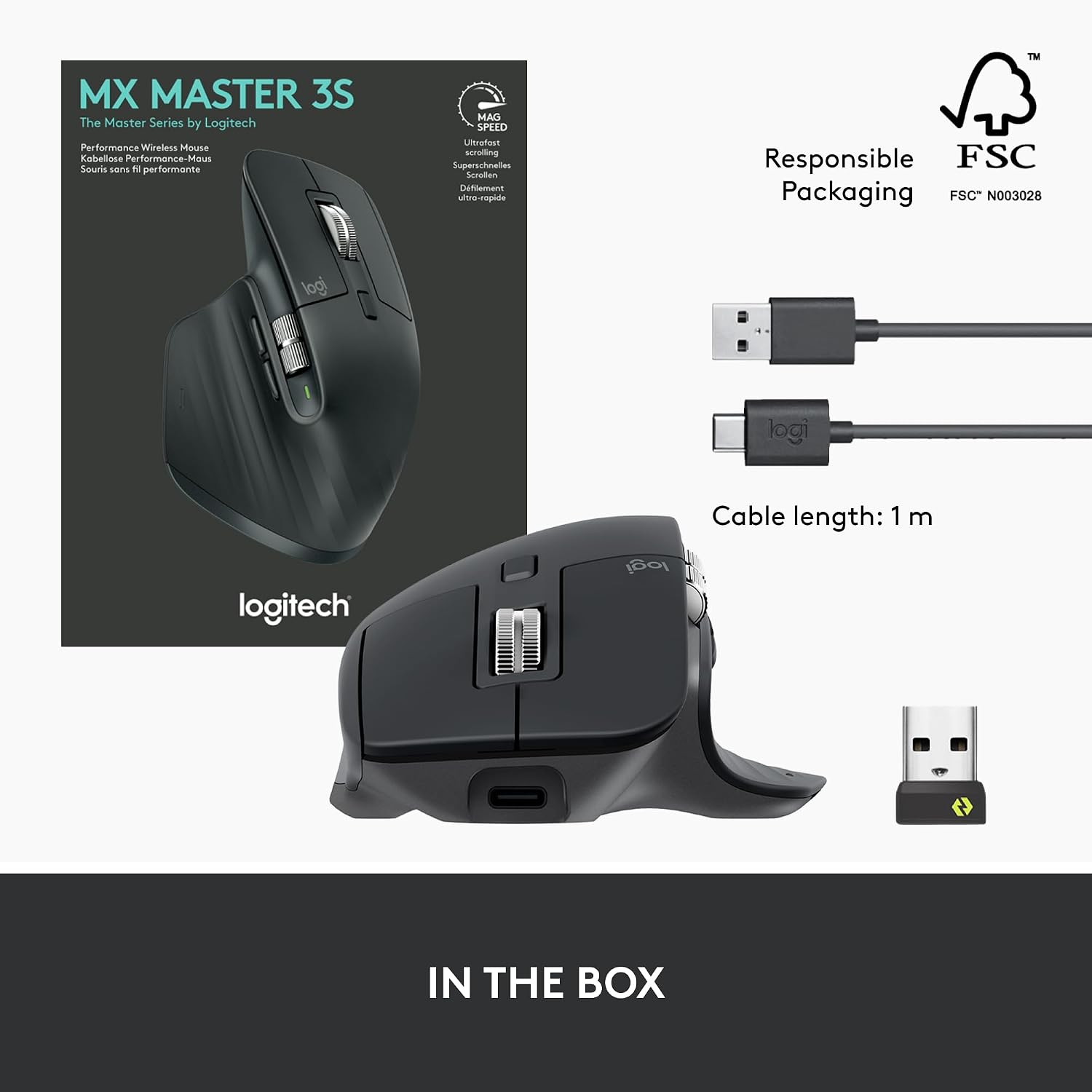
- Bluetooth LE / Logi Bolt USB receiver (multi-device up to 3)
- Weight
- 141 g (with battery)
- Sensor
- Darkfield High Precision (8000 DPI max, tracks on glass ≥4mm)
Check Price: $99
Price checked daily. We may earn a commission.